Native Audio in Veo: Dialogue, Ambient, and Lip Sync in One Pass
How to get usable dialogue, synced mouths, and ambient beds out of Veo in a single generation, with the caveats you hit when you push past 8 seconds.
The headline feature of the Veo line is native audio. You do not run a separate TTS pass, you do not bolt on a lip sync model, you do not chain a Foley step. You write one prompt, you get back an MP4 with a sound track baked in. When it works, it is the fastest path from idea to watchable shot on fal.
This post is about getting it to work more often than not. Veo 3.1 is close to competitive with a human audio editor on short shots. The corners are still rough, and Veo 4 is expected to sit in the same premium band with tighter lip alignment. Treat everything below as the Veo 3.1 playbook, then reread it when Veo 4 opens up on fal.
What you actually get
A Veo generation returns one video file with audio mixed in. You do not get a stems export. If the audio is wrong, the fix is a reroll, not a remix.
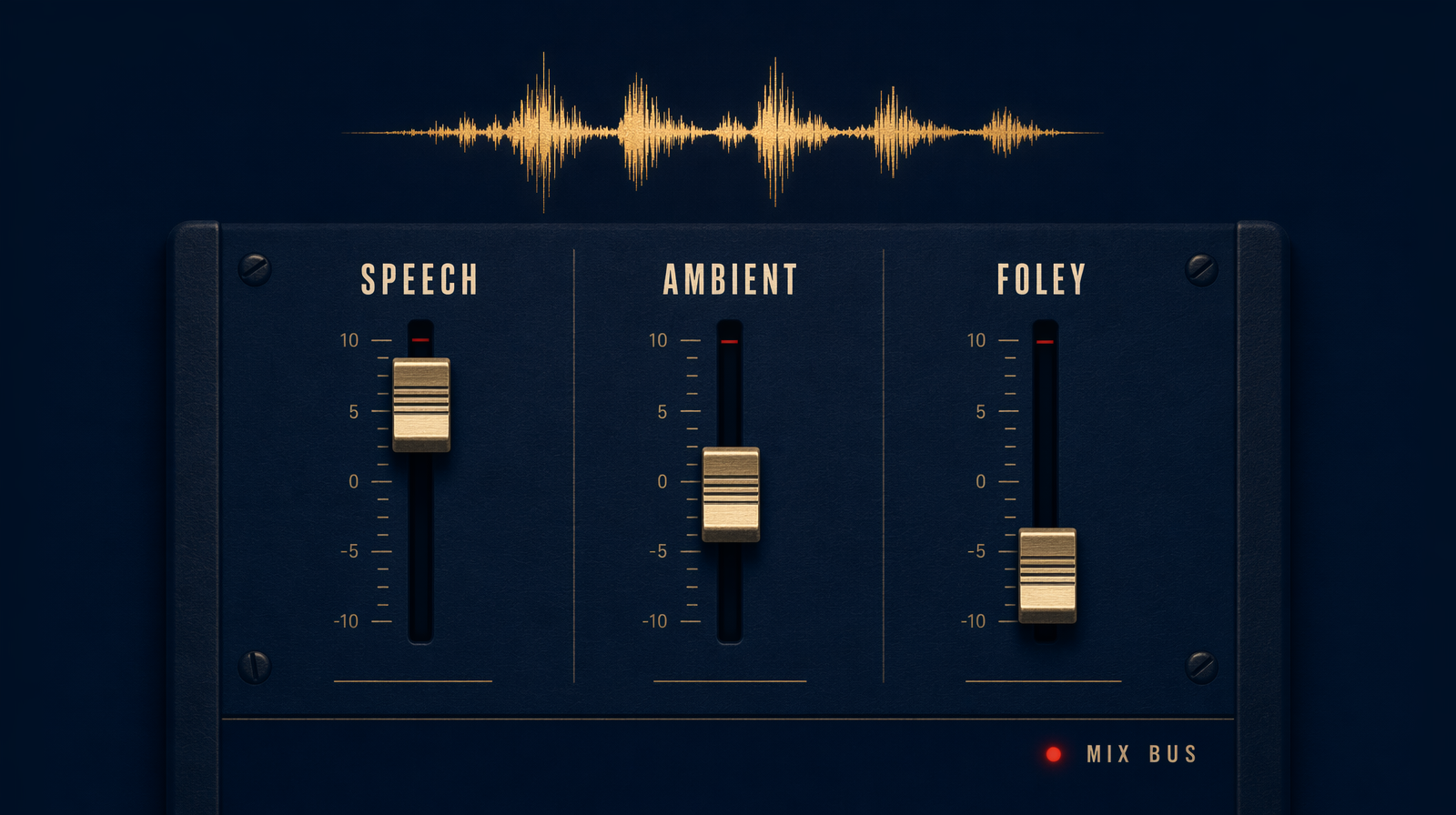
Three layers typically render in one pass: spoken dialogue tied to a visible speaker, an ambient bed matching the scene, and incidental sound effects triggered by on screen action. All three are prompt driven. You describe what should be heard and Veo decides timing and mix.
The one prompt pattern that works
Separate the visual description from the dialogue block. Veo 3.1 parses quoted strings inside the prompt as spoken lines and times them to the mouth on screen. Put everything else outside the quotes.
1import { fal } from "@fal-ai/client";23// or fal-ai/veo4/text-to-video once available4const result = await fal.subscribe("fal-ai/veo3.1/text-to-video", {5 input: {6 prompt: `Medium shot. A woman in a yellow raincoat stands under a bus shelter at dusk. Rain hits the plastic roof. She looks at camera and says, "I told you the forecast was wrong." A bus rolls past, tires hissing on wet asphalt. Dialogue clearly intelligible over ambient rain.`,7 aspect_ratio: "16:9",8 duration: "8s",9 resolution: "1080p",10 generate_audio: true11 }12});
Three things matter. One, the dialogue sits inside straight double quotes, short, written the way a person would say it. Two, ambient sources are named as physical objects (rain, tires, plastic roof) rather than abstract vibes. Three, a single directive tells the mix how to sit: dialogue over ambient. Skip it and you get beautifully shot scenes where the words are buried under traffic.
Lip sync that holds up
Lip sync on Veo 3.1 is frame accurate for English in a narrow window. Single speaker, clean face, under about six seconds of continuous talking, straight to camera or three quarter profile. Push past any of those and alignment drifts. At eight seconds of dense dialogue you will see the mouth close a beat early on one word out of twenty.
Countermeasures: keep spoken lines under fifteen words per shot, use contractions ("I'm" syncs better than "I am"), avoid plosive heavy runs like "perfectly pickled peppers," and if you need two speakers, cut. Render each speaker separately and assemble in post.
Ambient and SFX
Ambient reads best when you describe the physical world. "A quiet office" is weaker than "HVAC hum, keyboards, one phone ringing two desks away." The named sources give the mixer something to place. Same logic with SFX. "Footsteps on gravel" gets you real crunch. "She walks away" often gets you nothing.
Veo will invent music if you leave it unspecified in a montage style shot. If you do not want score, say so: no music, diegetic sound only.
Cost of iteration
You will reroll. Veo 3.1 runs $0.40 per second at 1080p, so an 8 second clip is 8 * $0.40 = $3.20. Five attempts to land dialogue timing is $16 for a single shot. Veo 3.1 Fast brings a 1080p 8 second draft in around $0.25, which is the right tool for prompt hunting. Lock the wording on Fast, then promote the winner to the full model for hero quality. Veo 4 has not priced but is expected to sit in the same premium band.
When to bail on native audio
If you need broadcast dialogue, multilingual voice, or character voices you control across shots, pull audio out of Veo. Generate with generate_audio: false, then drive lip sync from your own voice file. You lose the speed advantage but gain consistency across a commercial with ten shots of the same narrator. For everything else, one pass still wins.